How to Organize Students with Cohorts in StudySpaces: Student Grouping Guide
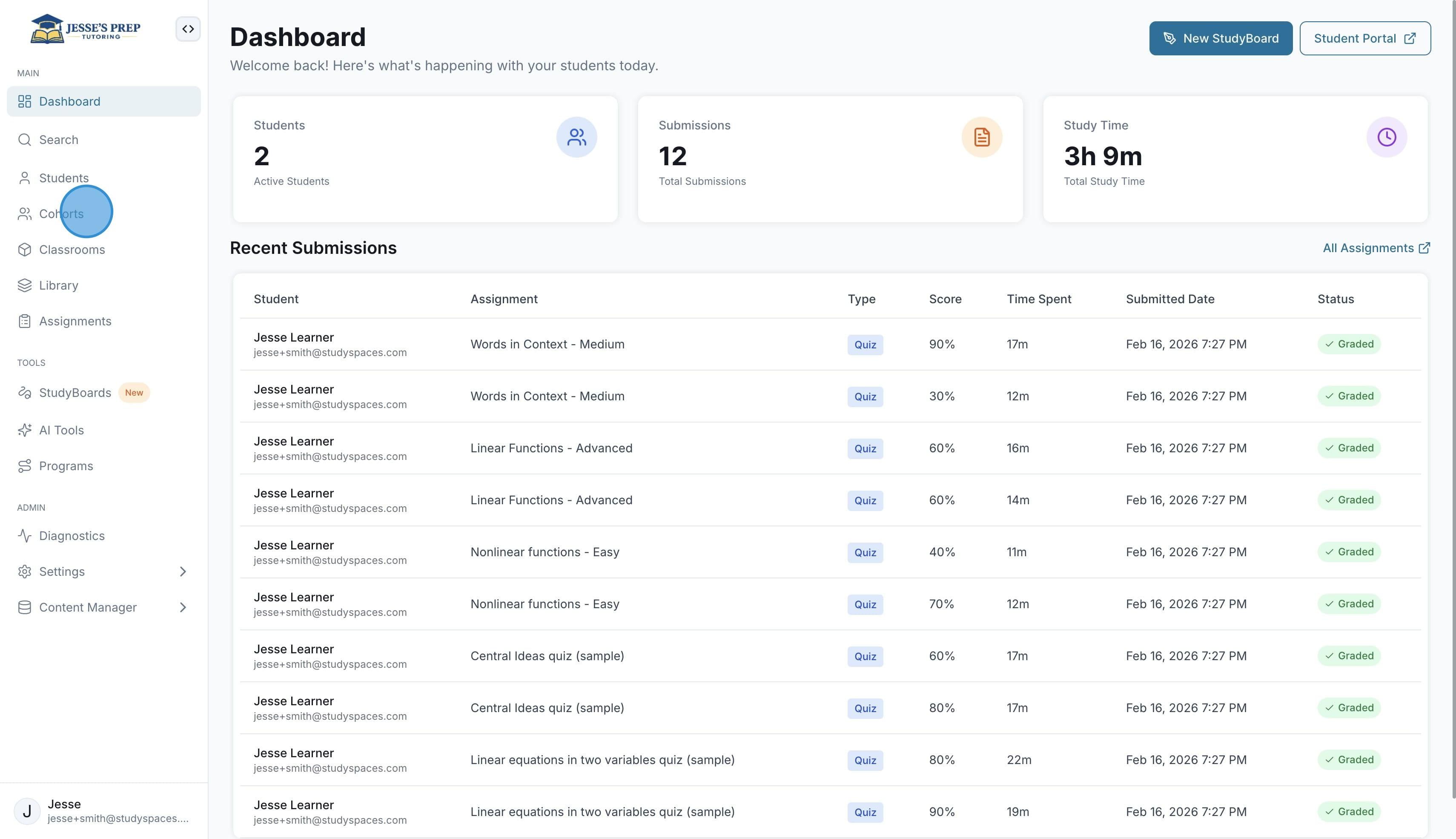
Start by clicking on "Cohorts" in the sidebar
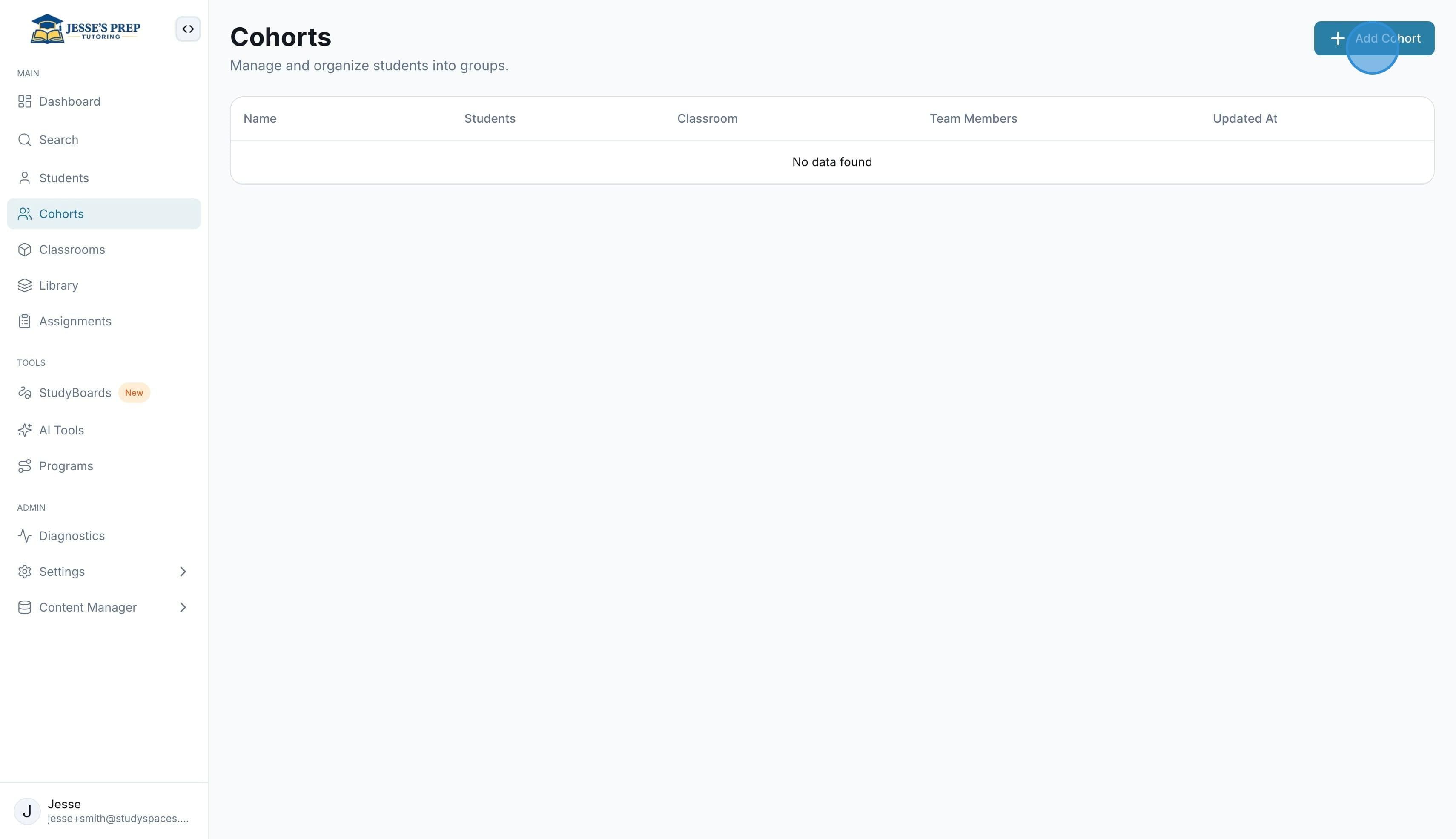
Click “Add Cohort” to create a new one.
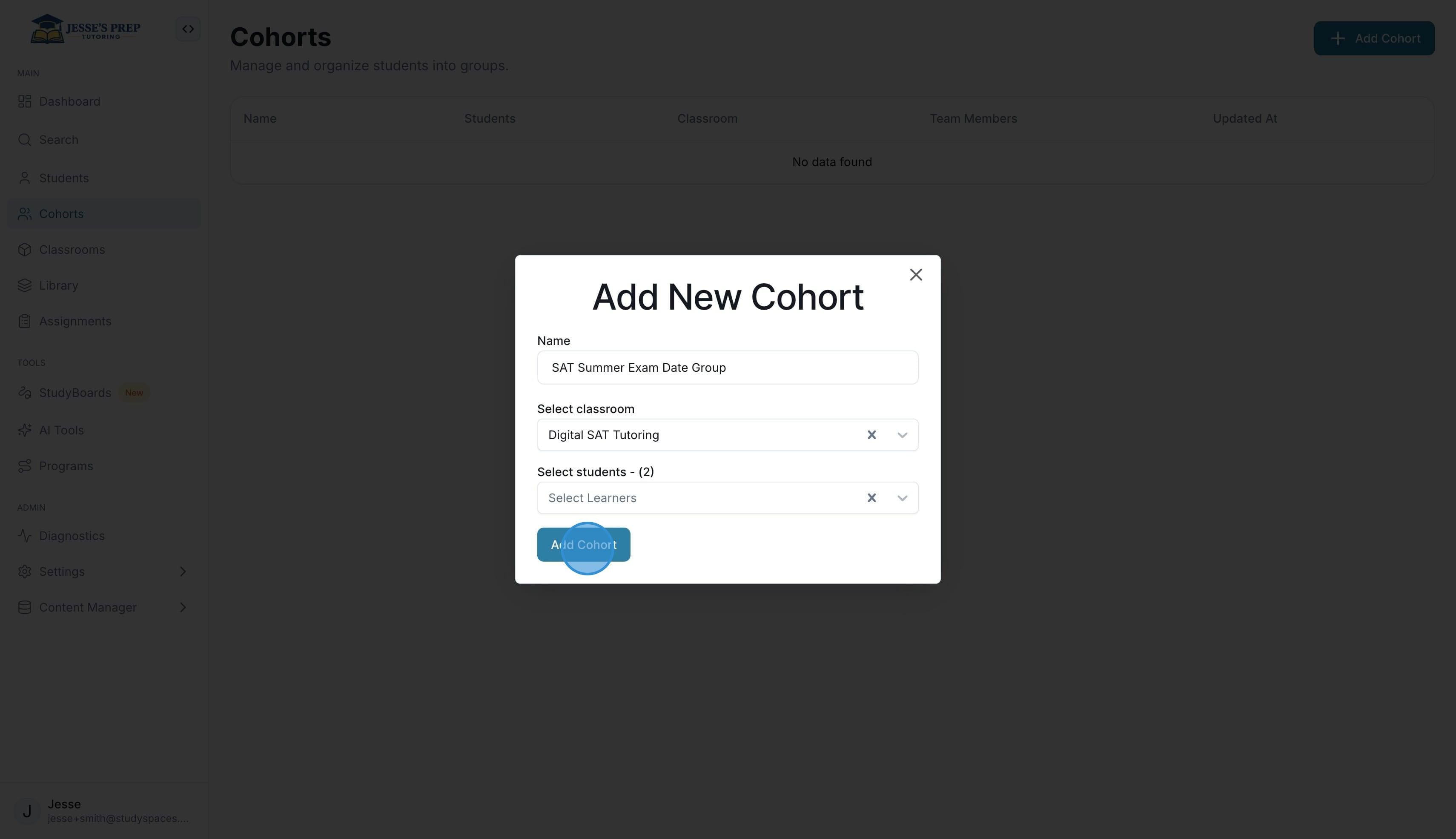
You will be prompted to give it a name, select which “Classroom” it will be for, and which students from that classroom will be added to it.
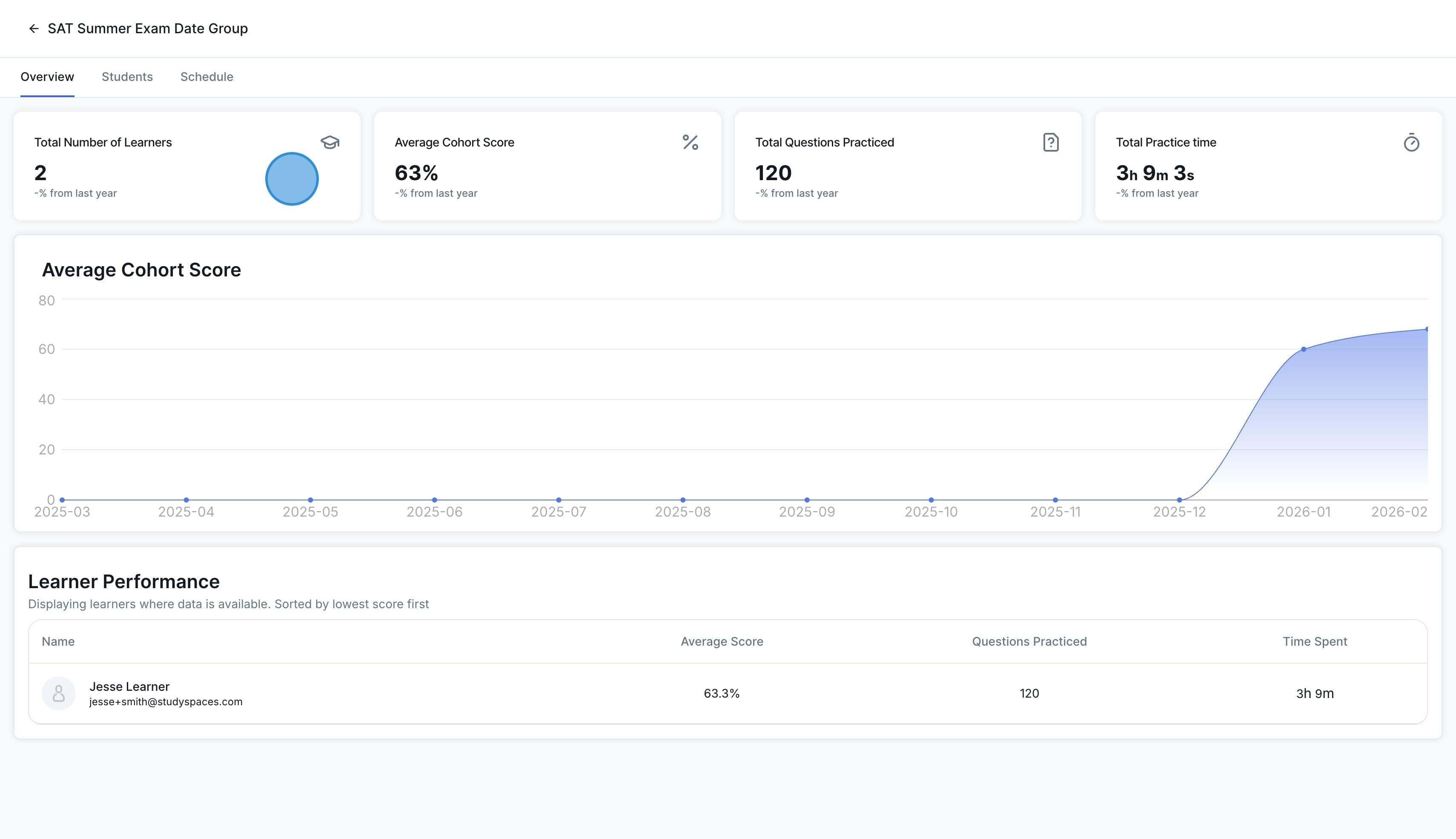
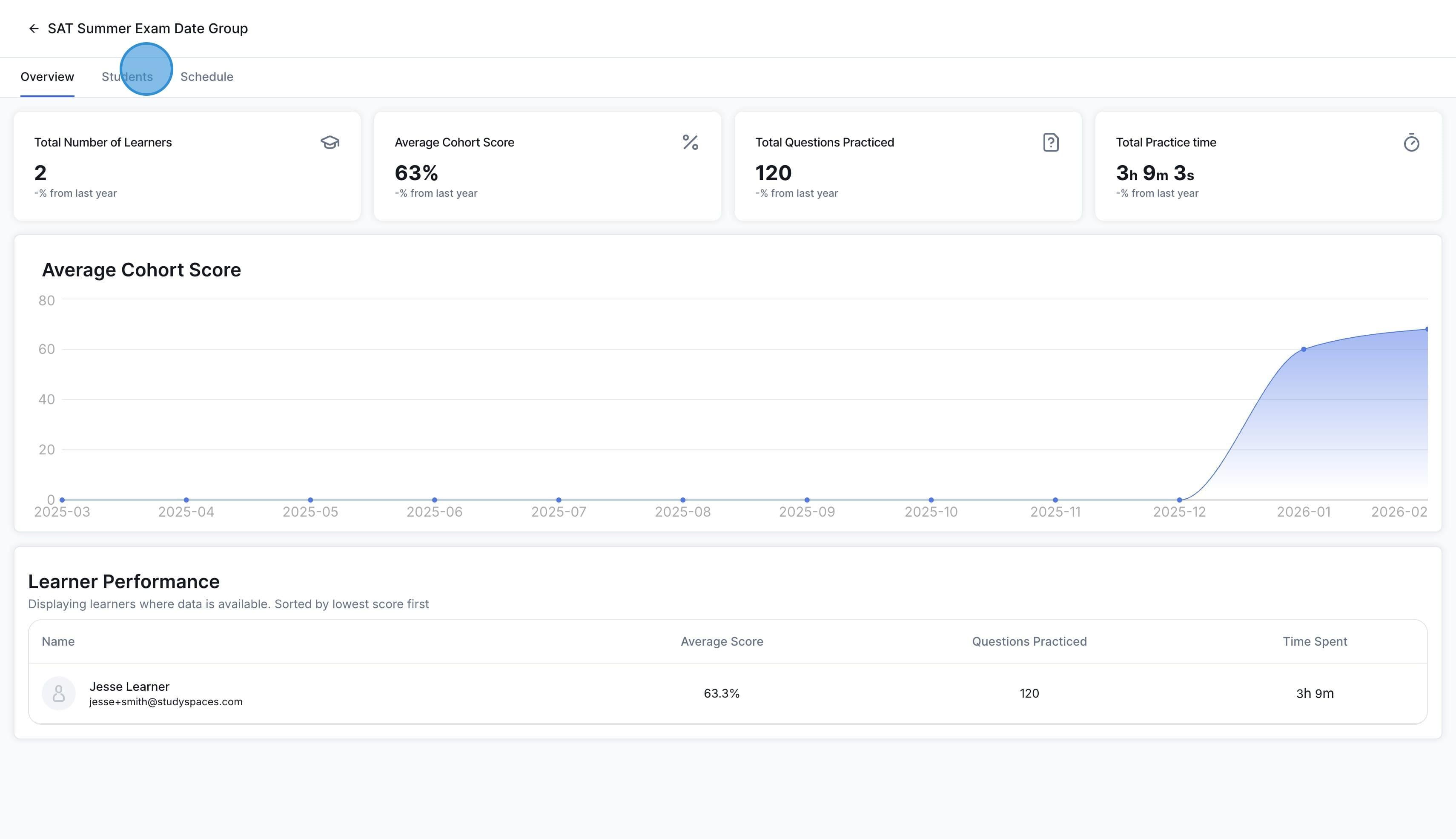
Once you create and open the cohort, you will see cohort-specific analytics on the dashboard, such asthe number of students, average cohort score, total practice time, and more.
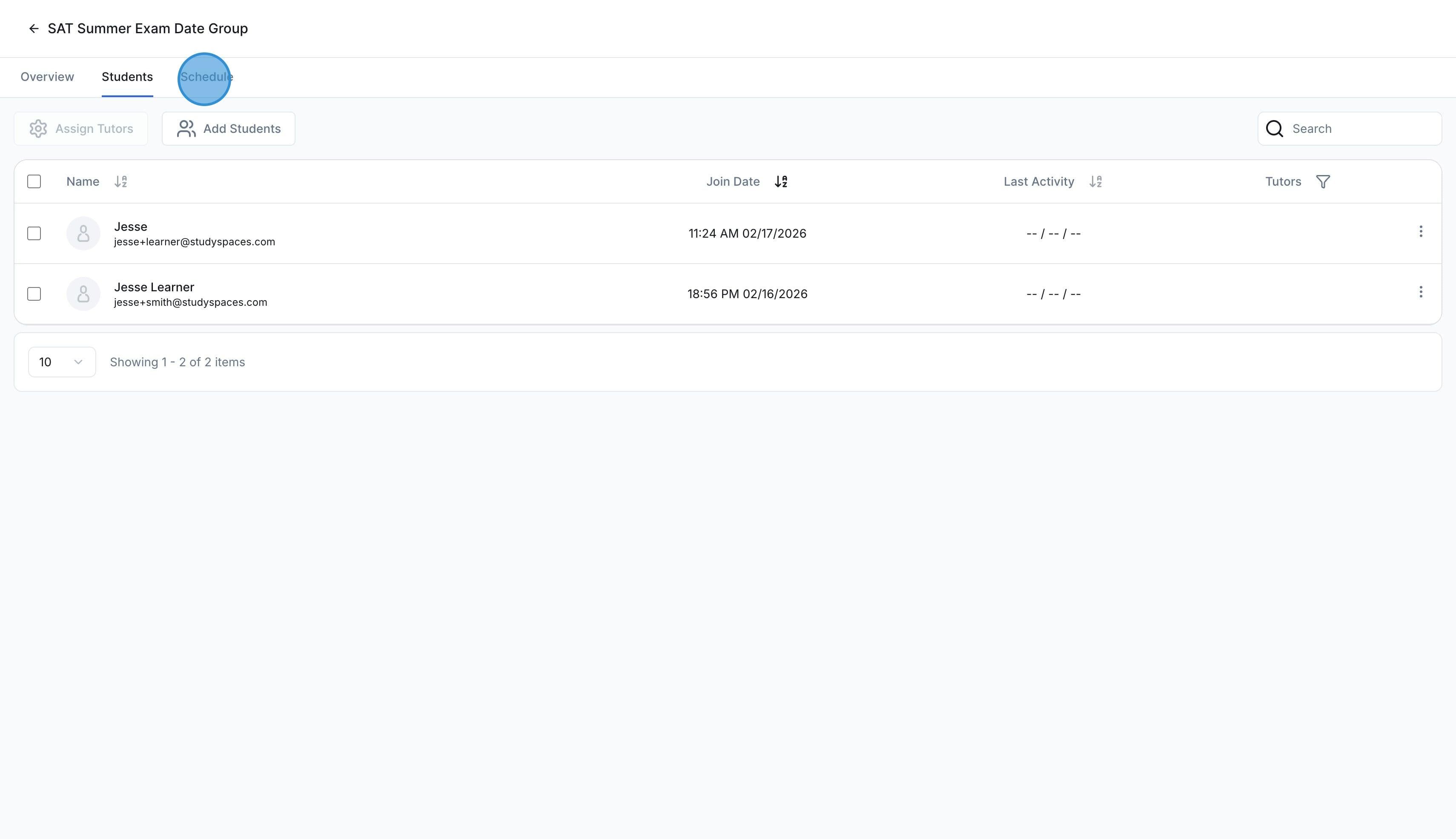
To view, add, or remove students on the cohort, click on the “Students” tab
To review assignments and assign new ones, click on "Schedule"
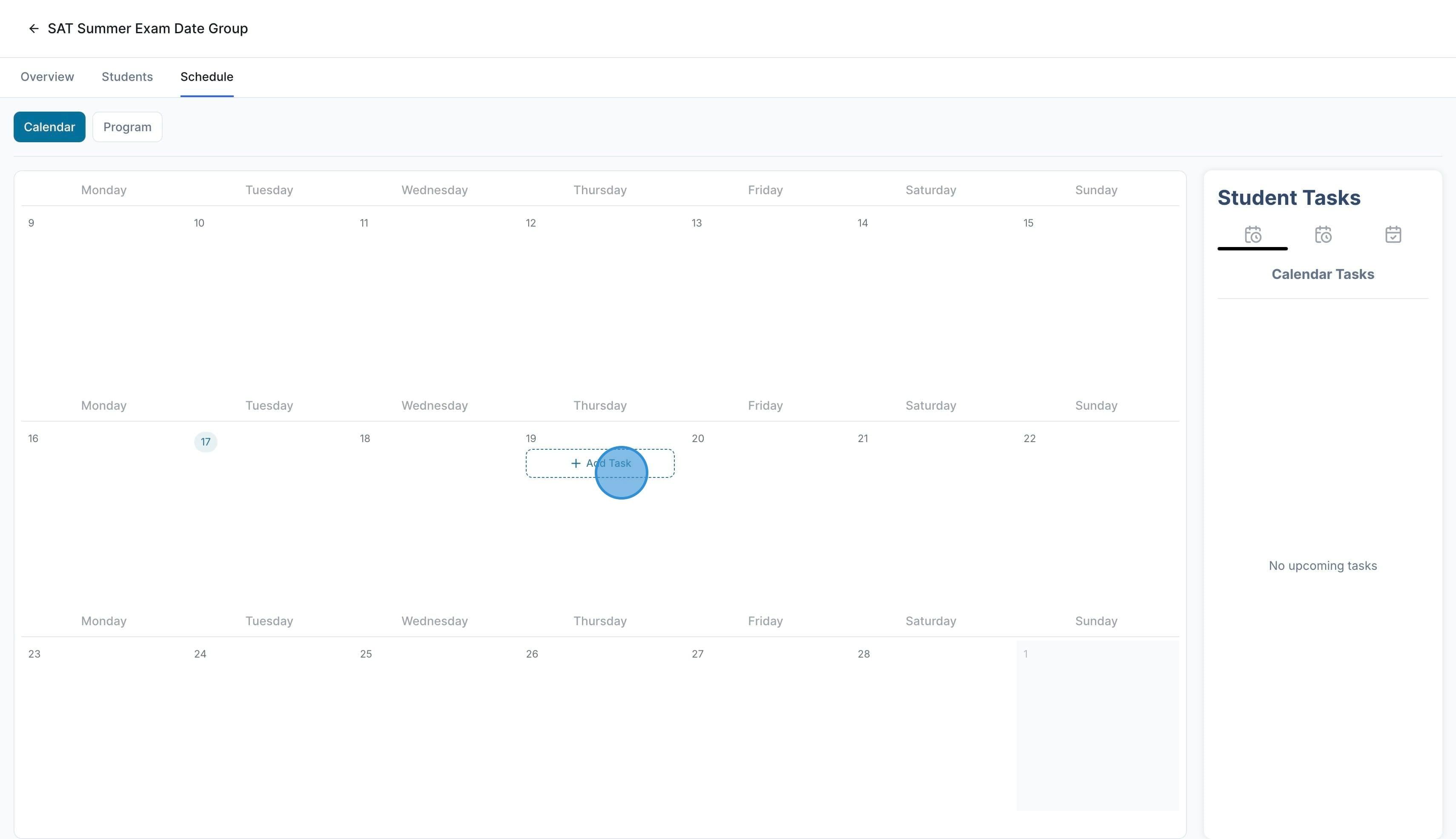
Here is where you see all the tasks assigned to the cohort students. You can click on any date to assign a new task, or click on an existing task to modify it.
Was this helpful?
Still need help? Ask the team